التقنية التعليمية· EDTECH · TEACHER TOOLS
Musaidiمساعدي
Lesson plans, marking, parent messages, and IEP drafts — drafted for review, never sent on their own.
A teacher-facing copilot for the work that eats a teacher’s evenings: lesson generation aligned to the curriculum, structured marking with rationale, parent communication drafts, and IEP drafting — every output routed to the teacher for sign-off.
حين يخف العبء، يتسع وقت التعليم
“When the burden lightens, room opens for teaching.”
What Musaidi does
Curriculum-aligned lesson generation
Draft lesson plans generate in minutes, mapped to the exact MoE unit and standard, ready to edit rather than build from scratch.
Structured marking with rationale
Short-answer and essay responses get a suggested score and a plain-language rationale a teacher can accept, adjust, or override.
Parent communication drafts
Progress updates and behavior notes draft automatically in the parent’s preferred language, ready for a one-tap review and send.
IEP drafting support
Individualized education plan drafts pull from a student’s assessment history and flag goals for the teacher and specialist to finalize.
Works from your phone, between classes
Built mobile-first for a teacher moving between classrooms, not chained to a desktop staffroom computer.
Nothing goes out without sign-off
Every grade, message, and IEP draft requires explicit teacher approval before it reaches a student or guardian record.
See Musaidi in action
An early UX walkthrough of the product, designed bilingually from day one.
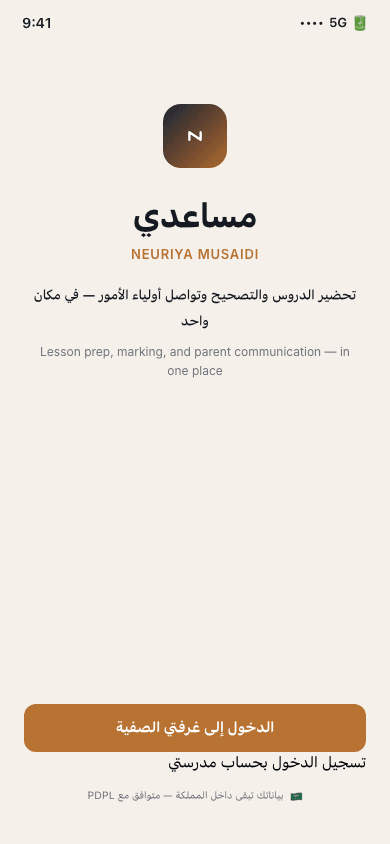
App entry
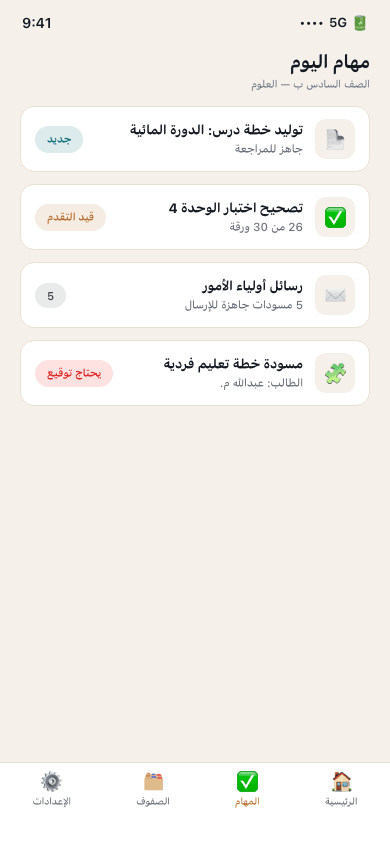
Today’s tasks
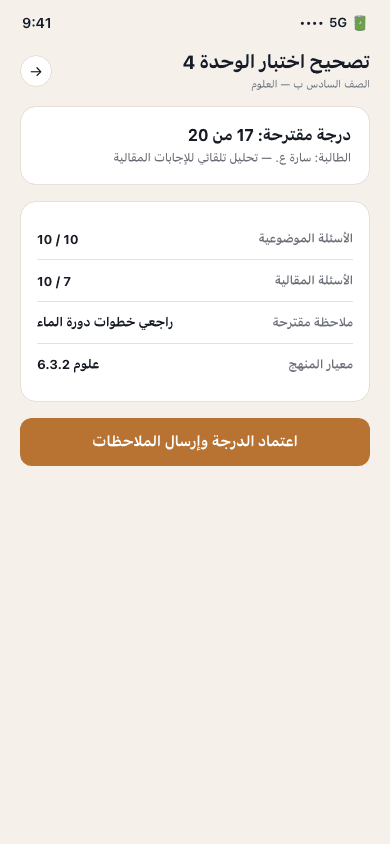
Marking review
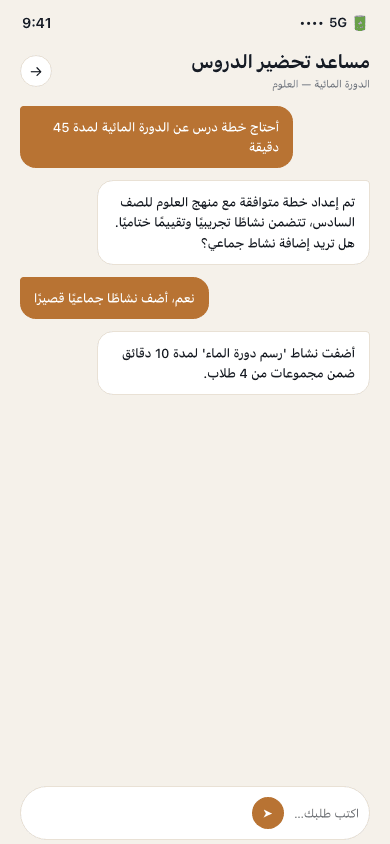
Lesson prep assistant
← Swipe to see more screens →
How it works
Draft
Ask for a lesson plan, marking pass, parent message, or IEP section in plain language — a structured draft comes back in seconds.
Review
Every suggested grade or draft carries its rationale, so the teacher can adjust with full context, not blind trust.
Approve
One tap approves and applies the change — to a gradebook entry, a parent message, or an IEP draft.
Track
Marking history and communication logs stay attached to the student record, visible to the teacher at any time.
Give every teacher their evenings back
We're selecting design-partner schools for the first pilot cohort. Book a briefing to see the product and discuss classroom fit.
Request a Pilot